felld
HILL RUNNING
The hill is the course.
Take your running
higher.
With nearly 20,000 hills* in the UK mapped out on felld and over 100,000 challenges get out there and claim your win!
*and mountains
Install on your phone or create an account to use FELLD in your browser.
The mountains aren't level. The competition can be.
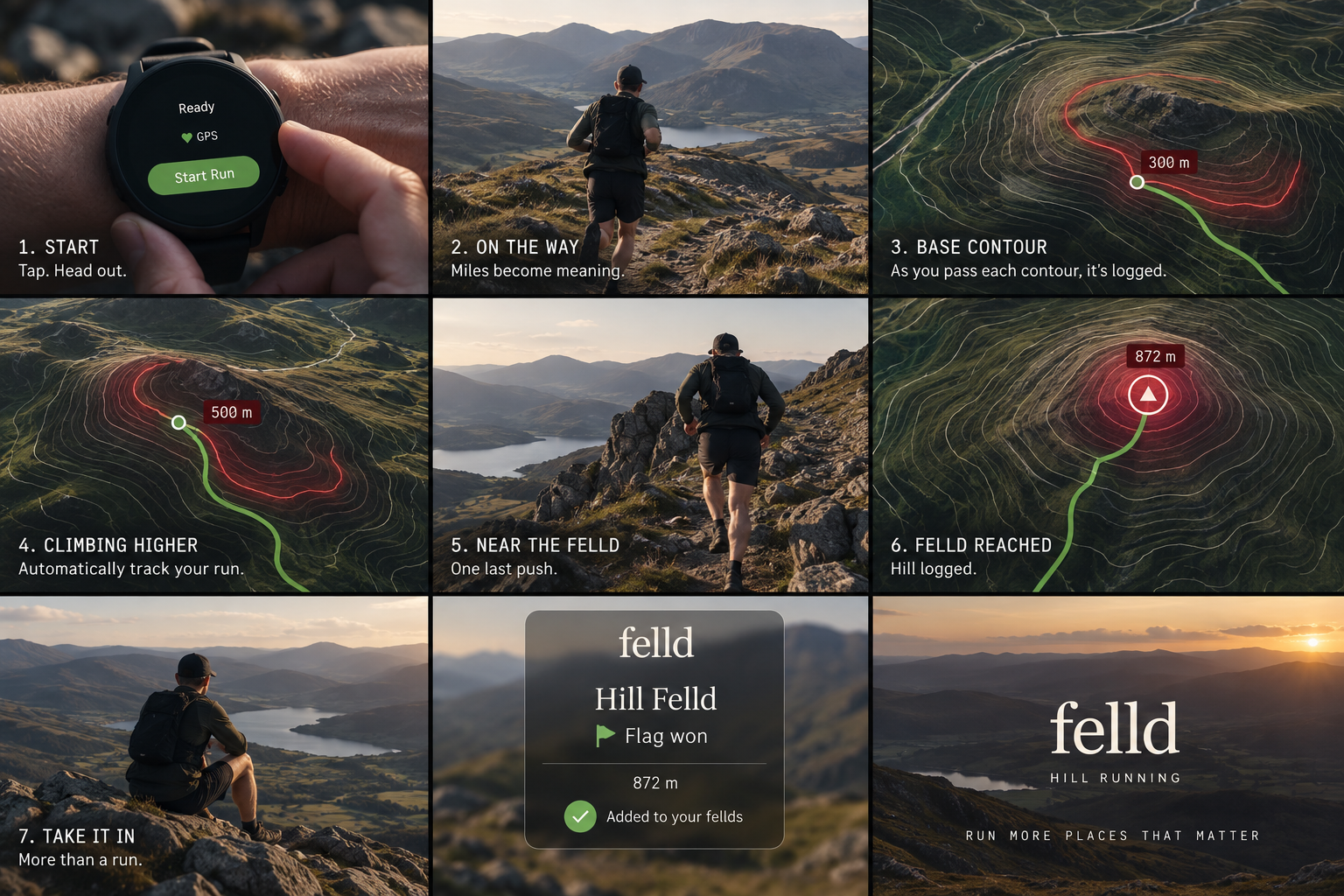
The idea
The hill is the course.
You choose the line.
FELLD doesn't tell you which path to take. There are no prescribed routes, painted lines or fixed trails.
We define the hill. You decide how to run it.
Go straight up. Follow a path. Cut across the slope. Find a completely different way.
FELLD times hills, not routes.
Three ways to race
Every hill has three games.
UP
Base → Summit
Find the fastest way to the top.
OVER
Base → Summit → Base
Climb it. Cross it. Get back down. Finish on whichever side makes sense.
DOON
Summit → Base
Pick your descent and send it.
The competition
Take the Flag.
Win the Stopwatch.
FELLD Flag
The Flag belongs to the best age-graded performance on the hill.
Take it. Defend it. Lose it. Reclaim it.
Stopwatch
The Stopwatch belongs to the fastest outright time. No adjustment. Just speed.
One hill. One fastest time.
How it works
Just go running.
01
Connect
Connect Strava and keep using the watch you already run with.
02
Run
Start your watch whenever you normally would and head for a hill.
03
Choose
Pick your own line. Route finding is part of the competition.
04
Compete
FELLD finds the hill section and puts your valid attempt on the board.
The fastest route might not be the shortest.
One runner attacks the steepest line. Another finds a longer, faster path.
Someone else discovers a descent nobody had considered.
Route finding becomes part of the game.
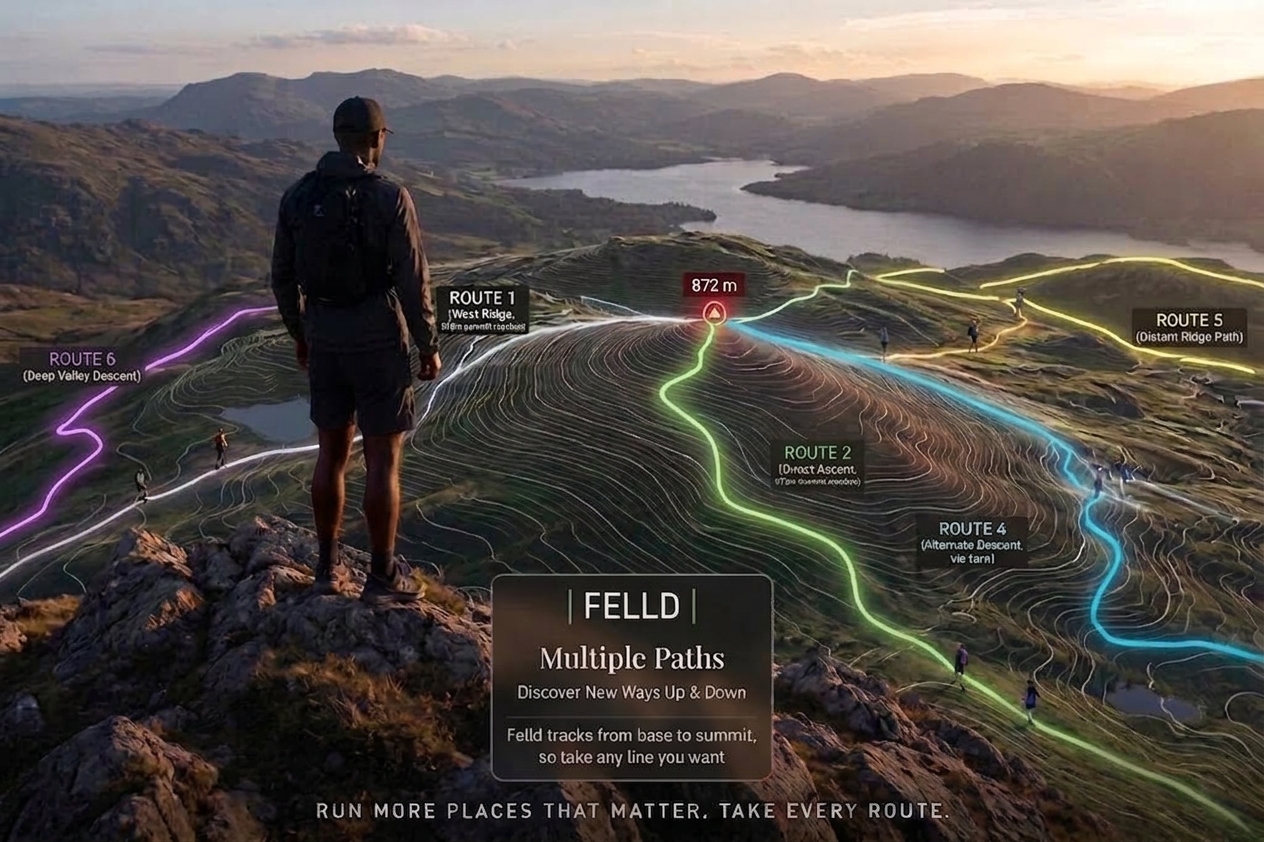
Your run leaves a trace.
FELLD can use the GPS from your watch to show the line you took across the hill — and eventually let you compare it against other runners.
FELLD+ · Advanced route insight
How many hills can you conquer?
Records aren't everything. Every new summit adds to your collection and moves you further through FELLD.
Hills I’ve run
My Flags
My Stopwatches
There's a hill
waiting.
You don't need to enter a race. You don't need to follow somebody else's route.
Find it. Run it. Take the Flag.
felld
HILL RUNNING
The hill is the course. You choose the line.